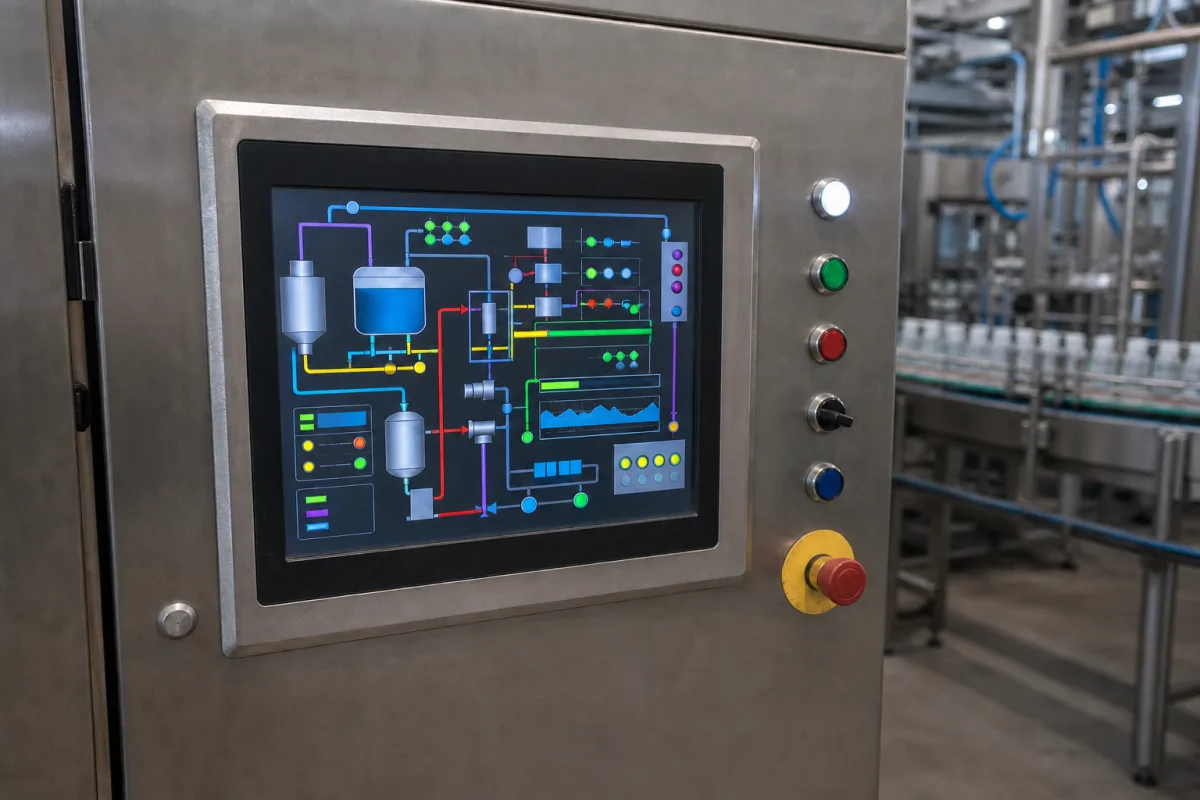
Machine control · Operator panel hardware and screen design
An HMI panel is a rugged touch terminal that talks to the machine's controller. The hardware choice is the easy half; the harder half is screen design that lets an operator see at a glance whether the process is normal. Specify both.
Operator touch panels and text panels that connect to PLCs and controllers, mounted in cabinet doors or machine frames. General-purpose industrial PCs are covered on the industrial computer page; display driver chips and controller boards are outside this page.
CNFX editorial research · Sources checked October 11, 2026 · 4 sources
The IEC explains that an IP code's first numeral grades protection against solids (0 to 6, dust-tight) and the second against liquids (0 to 9), with tests in IEC 60529. For a panel mounted in a door, ask what the rating covers: the front only, or the whole housing, and with which gasket and cut-out. [2]
Supplier specifications show what to compare. Huaqingjun, for example, lists a 4.3-inch TFT touch HMI with Ethernet, RS485/232, Modbus and a 10–30 V DC supply, and states compliance with EN 61000-6-2 (immunity) and EN 61000-6-4 (emission). Ask for the communication drivers for your PLC and the EMC test reports. [3]
Give the supplier the controller (brand, model, protocol), screen size, mounting, environment (washdown, dust, sunlight, temperature), supply voltage, and the number of screens, alarms and recipes the application needs.
02
Plan the screens with the ISA-101 lifecycle
In a 2015 article, Yokogawa explains that ISA-101 takes a lifecycle approach (design, implement, operate) supported by an HMI philosophy document, a platform-specific style guide and a toolkit of reusable display modules, with management of change, audit and validation throughout. It stresses human factors so displays give consistent situation awareness without distraction. [1]
The article links P&IDs copied onto operator screens to congested displays that do not show what matters, and warns that screens must be kept up to date when the plant changes. It suggests the toolkit address size, colour, contrast, density, symbols, alarm presentation and visualisation that shows at a glance whether the process is normal. [1]
Ask who writes the HMI philosophy and style guide, who builds the screens, and how changes will be managed.
03
PLC-matched panels, custom touch modules and industrial touch monitors
Huaqingjun lists HMI panels with its own PLCs and communication modules; Fray Tech lists custom HMI panels and touch modules alongside other brands' units, so confirm which are its own make; Smartgiant lists HMIs with industrial computers and touch monitors; Advantech lists HMIs among industrial computing products. [3][4]
04
Display, bezel gasket, ports and runtime software
The bezel gasket row decides what the IP rating covers in a door cut-out, and the software row is where the ISA-101 style guide above gets applied. [2][1]
Part
Role
Fix in the order
Touch display
Shows screens; size and brightness set readability.
Screen, environment, supply and port values for a door-mounted panel
Input voltage is the one row with a published figure here, taken from a single Huaqingjun panel; every other value depends on the model offered, so collect it from that model's data sheet. [3]
Huaqingjun pairs its touch HMIs with its own PLCs, Fray Tech lists custom panels beside other brands' units, and Smartgiant and Advantech list HMIs next to industrial computers.
Foshan Qingjun Electronics Co.,Ltd.
Manufacturing site to be confirmed for the order
Lists touch HMI panels for PLCs, alongside its own PLCs and communication modules.
Explore company information and manufacturing capabilities, then discuss the scope of your project with a relevant supplier.
Share this page
Compiled and source-reviewed by the CNFX editorial team.
Each manufacturer above links to the page on that company's own website where the product is listed, with the date we checked it. How we source and review
· Page last updated 13 October 2026
Buyer questions
What is ISA-101?
A standard for HMIs in process automation that uses a lifecycle approach with an HMI philosophy, style guide and toolkit to give operators consistent situation awareness. [1]
Is an IP65 HMI waterproof all round?
Not necessarily; check whether the rating covers the front only or the whole housing, and with which gasket and cut-out. [2]
Should HMI screens copy the P&ID?
Yokogawa's article links P&ID-style screens to congested displays that hide what matters; design screens around the operator's tasks. [1]
Sources and what still needs a direct check
Sources checked 2026-10-11. The IEC explains the IP code. Yokogawa, a control system maker, explains ISA-101 in a 2015 article. ISA-101 itself was not read for this page. Supplier pages describe their own offers.