Machine vision cameras · EMVA 1288 datasheet values, sensitivity threshold and dynamic range, triggering and frame-rate limits
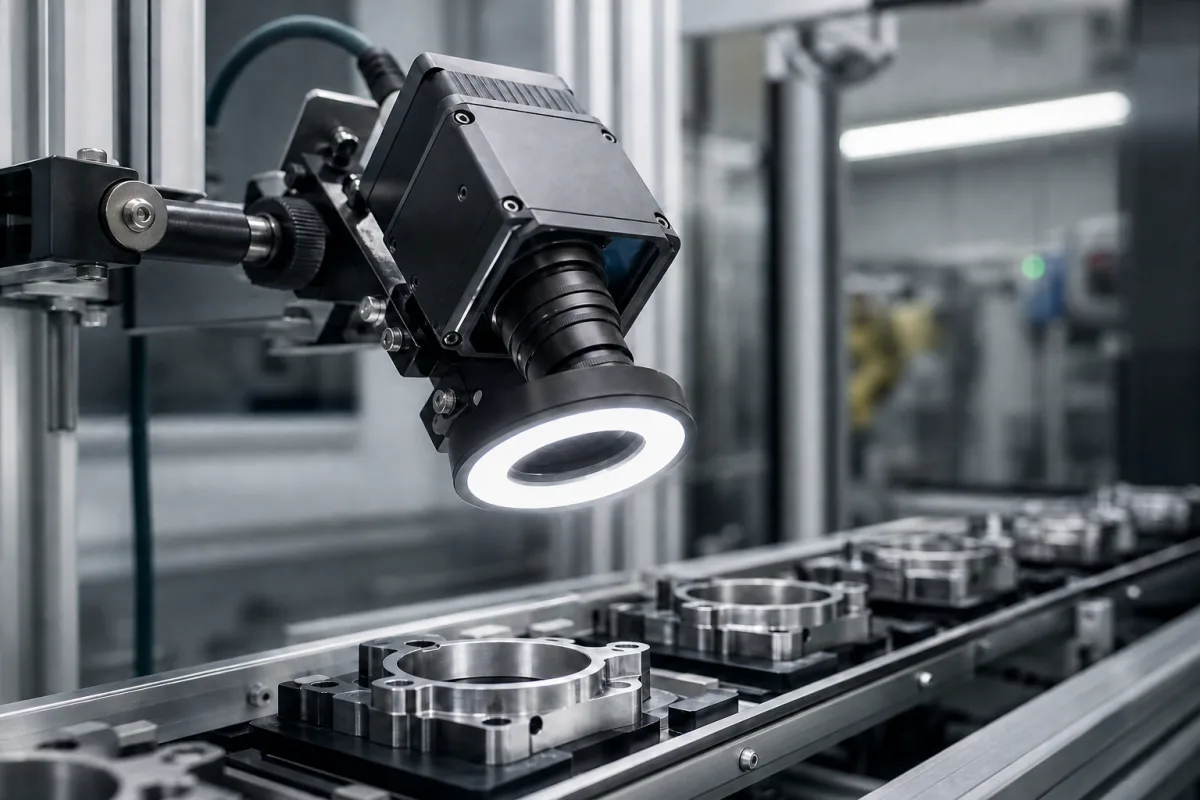
An industrial camera is an area-scan or line-scan camera built for machine vision: it is mounted over a line, triggered by the process, and sends images to a PC or controller for inspection and measurement. Ask three things first: what EMVA 1288 data the maker publishes for the sensor and operating point you will use, what frame rate the camera reaches with your image size, exposure and bit depth, and how it will be triggered from your line.
Area-scan and line-scan cameras for machine vision with industrial interfaces such as GigE Vision, USB3 Vision and CoaXPress. Smart cameras with built-in inspection software are included where they are bought as cameras. Embedded camera modules, security and consumer cameras, lenses, lighting and complete inspection systems are outside this page.
CNFX editorial research · Sources checked October 11, 2026 · 4 sources
EMVA 1288, the European Machine Vision Association's standard for characterising image sensors and cameras, defines the absolute sensitivity threshold µp.min as the mean number of photons needed for an input signal-to-noise ratio of 1, and the dynamic range as the saturation irradiation divided by that threshold, to be given as a ratio and in dB (20 log10 DR). It warns that saturation capacity must not be confused with full-well capacity: "It is normally lower than the full-well capacity, because the signal is clipped to the maximum digital value" before the pixel physically saturates. [1]
The standard's example summary datasheet (Release 4.0 General, values for illustration) lists an absolute sensitivity threshold of 39.6 photons, a saturation capacity of 51,548 photons, a dynamic range of 1303 (62.3 dB), a maximum SNR of 202 (46.1 dB), a total PRNU of 0.87%, a DSNU of 21.7 photons and a dark current of 5.1 ± 0.2 photons/s. DSNU is the pixel-to-pixel variation of the dark signal and PRNU the variation of sensitivity. [1]
EMVA states that anybody publishing data claimed to be EMVA 1288 compliant must also provide the full datasheet, and that a datasheet is only compliant if all mandatory measurements from at least one camera are reported. It also notes that the dark signal rises with exposure time because of thermally generated electrons. [1] Editorial note: compare cameras at the same operating point (gain, bit depth, exposure, wavelength) and ask for the full datasheet, not only the summary figures.
Give the supplier the part and the smallest defect or tolerance to resolve, field of view and working distance, line speed and parts per second, trigger source, lighting, colour or monochrome, wavelength, host interface and cable length, ambient temperature, protection rating and mounting space.
02
Check the frame rate and trigger against the line
Basler's camera documentation lists factors that limit frame rate: a frame-rate cap if set, assigned bandwidth (especially when more than one camera is connected to a computer), long exposure times, a large image ROI (Basler: "On most cameras, decreasing the image ROI height increases the frame rate"), sensor and transfer bit depth, sensor readout mode, and the Global Reset Release shutter mode, which prevents overlapped acquisition. Binning, where available, can raise frame rate. [2]
When triggering, Basler says to wait at least the reciprocal of the resulting frame rate between triggers; at 12.5 fps that is 1/12.5 = 0.08 s, and a trigger arriving earlier is ignored and raises a frame-start overtrigger event. It also warns against triggering faster than the host can transfer, store or process, or frames may be dropped. Trigger sources include an electrical input line, a signal carried over the data cable, an internal timer or counter, or a software command; a programmable trigger delay is set in µs. Triggering over CoaXPress gives a trigger accuracy below 0.5 µs on CXP-10 or CXP-12 and below 1 µs on CXP-3, CXP-5 or CXP-6. [3][2]
Basler describes a global shutter as exposing all pixels at once, suited to fast-moving objects, and a rolling shutter as exposing rows one after another, with lower noise but possible distortion of very fast-moving objects; it recommends flash lighting to prevent that, and Global Reset Release mode requires flash lighting. [4]
Editorial calculation: a part moving at 0.5 m/s travels 0.5 × 0.0001 = 0.05 mm during a 100 µs exposure. With a 100 mm field of view across 2048 pixels, each pixel covers about 0.049 mm, so the blur is roughly one pixel. A 2448 × 2048 image at 8 bits and 23 fps is about 922 Mbit/s of image data before protocol overhead; compare it with the interface bandwidth the supplier states. Speed, exposure, field of view and image size are assumed examples.
03
GigE and HDMI cameras, vision kits and smart cameras
Four companies are shown below: Sensing and Pomeas list stand-alone industrial cameras, Swoer sells cameras with its feeders and vision inspection systems, and Future Robot lists smart cameras with its industrial PCs.
Listings range from GigE area-scan and line-scan cameras and Gigabit or HDMI industrial cameras sold with lenses and lighting to vision cameras supplied with feeding equipment and smart cameras from an industrial PC maker. Ask each for EMVA 1288 data for the sensor and operating point quoted.
04
Sensor, shutter, readout, trigger I/O, interface and housing
The sensor row is where EMVA 1288 data applies; the shutter, readout, trigger and interface rows follow the Basler documentation.
Part
Role
Fix in the order
Image sensor
Converts light to signal; defines sensitivity, noise and dynamic range. [1]
Sensor, pixel size, EMVA 1288 data.
Shutter mode
Global, rolling or Global Reset Release exposure. [4]
Data link to the host; bandwidth can limit frame rate. [2]
Standard, bandwidth, cable length.
Operating Temperature (°C)
Dark signal rises with exposure time due to thermal electrons. [1]
Range and dark current.
Ingress Protection
Dust and water protection.
IP rating with lens tube.
Power Consumption (W)
Heat to remove from the mount.
Value at stated conditions and maximum.
Supply Voltage (V DC)
Power input or power over cable.
Range.
Lens Mount
Lens interface.
Mount and flange distance.
Dimensions (mm)
Space in the station.
Drawing.
Weight (g)
Bracket load.
Weight.
06
Send the inspection, motion and host data together
Paste it into your enquiry below or into an email to a maker, then replace every bracket.
Inspection: [part; smallest feature; field of view; working distance]
Motion: [line speed; parts per second; trigger source]
Image: [mono or colour; wavelength; exposure; bit depth]
Lighting: [type; strobe or continuous]
Host: [interface; cable length; number of cameras]
Site: [temperature; IP rating; mounting]
Documents: [full EMVA 1288 datasheet; drawings]
4 companies list this product among what they make. Company figures are quoted from each
company's own website; every card states where the relationship came from.
SENSING
Manufacturing site to be confirmed for the order
Lists GigE area-scan and line-scan industrial cameras from 0.3 MP, with global-shutter models and C-mount.
Explore company information and manufacturing capabilities, then discuss the scope of your project with a relevant supplier.
Share this page
Compiled and source-reviewed by the CNFX editorial team.
Each manufacturer above links to the page on that company's own website where the product is listed, with the date we checked it. How we source and review
· Page last updated 13 October 2026
Buyer questions
What does EMVA 1288 dynamic range mean?
It is the saturation irradiation divided by the absolute sensitivity threshold (photons for SNR = 1), given as a ratio and in dB; the standard's example lists 1303, or 62.3 dB. [1]
Is saturation capacity the same as full-well capacity?
No. EMVA 1288 says saturation capacity "is normally lower than the full-well capacity, because the signal is clipped to the maximum digital value" before the pixel saturates. [1]
How fast can I trigger the camera?
Per Basler, wait at least 1 divided by the resulting frame rate between triggers, e.g. 0.08 s at 12.5 fps; earlier triggers are ignored. [2]
Sources and what still needs a direct check
Sources checked 2026-10-11. EMVA 1288 is the machine vision industry's published measurement standard; its example datasheet values are illustrative, not a product. Basler is a camera maker and its documentation describes its own cameras.